
What is the best backup for your company?
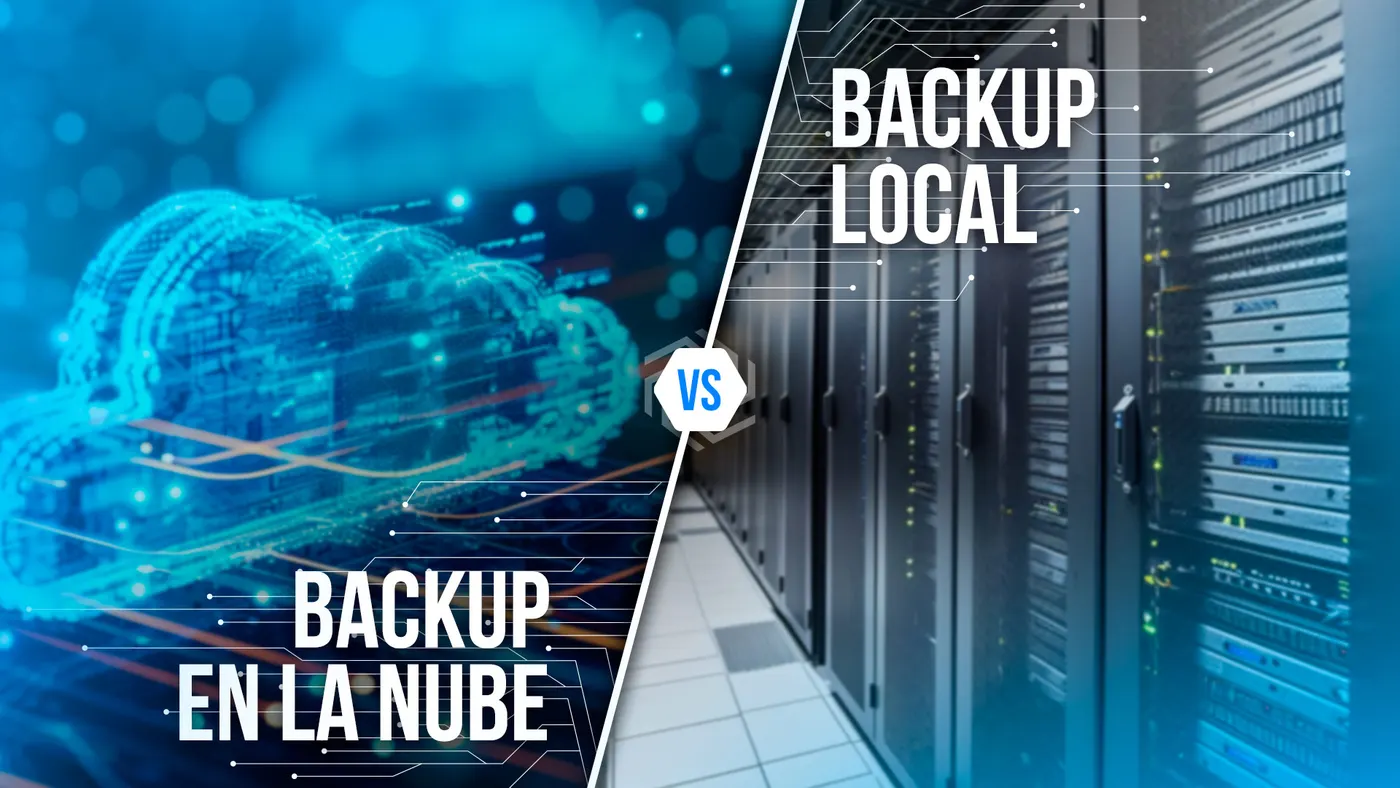
Data protection is crucial for any company. One of the most important decisions is choosing between cloud backup and local backup.
But which is the best option for your company? This decision can affect not only the security of your data, but also operational efficiency and costs. Join us in this detailed analysis to help you make the right decision.
What is cloud backup?
It is a backup copy of your files, data and applications that is stored on remote servers accessible over the Internet. This means that instead of storing your important data on local hard drives or physical devices, you keep it in an online service provided by specialized companies.
Local backup
Here, data is stored on physical devices such as hard drives, tapes or local servers located on the company’s premises. This method does not depend on an Internet connection to access or store information.
Why have a backup?
Without an adequate backup system, companies are exposed to a series of risks. Data loss due to natural disasters, hardware failures, cyberattacks or human error can be devastating. According to recent studies, almost 60% of small businesses that lose their data close within the following six months.
This statistic underlines the critical importance of implementing a backup system as a security measure in case of information loss.
What to consider when choosing a backup
Before choosing a backup system, it is essential to assess your company’s specific needs:
- Company size: Large companies with multiple locations can benefit more from cloud backup thanks to its global accessibility.
- Amount of data: Assess how much data you need to back up and how often it is updated. Companies with large volumes of data may find the cloud more economical and practical.
- Internet connectivity: Consider the speed and stability of your Internet connection. Cloud backup requires a good connection to upload and download data efficiently.
- Budget: Analyze short- and long-term costs. Local backup can have high upfront costs, while cloud backup involves a monthly or annual subscription.
- Security and compliance requirements: Some industries have strict regulations on where and how data is stored. Make sure your choice meets these requirements.
Benefits of cloud backup:
- Accessibility and flexibility: Storing data in the cloud allows access from anywhere at any time, which is ideal for remote teams and companies with multiple locations.
- Scalability: As your company grows, you can easily increase cloud storage space without investing in additional hardware.
- Security and redundancy: Cloud service providers usually have advanced security measures and redundant backups in different locations to protect your data.
- Operating costs: Although there is a monthly cost, the savings on infrastructure, maintenance and hardware upgrades can be significant in the long run.
Local backup:
- Control and availability: By having the data physically on your premises, you have full control over it and can access it without depending on the Internet connection.
- Restore speed: Data recovery can be faster, since you are not limited by Internet speed.
Although local backup has long been a popular option, technological advances and growing needs for flexibility and security have made cloud backup the best option for most modern companies. The accessibility, scalability and robust security offered by cloud backup position it as the solution of the future.
Migrating to the cloud not only better protects your company’s data, but also optimizes costs and makes storage management easier.
Frequently asked questions
How do I know whether this service is right for my company?
To find out whether cloud backup is right for you, assess factors such as the size of your company, the amount of data you handle, your budget and the need for remote access to data. Also consider your current infrastructure and whether you can support the maintenance and hardware upgrades needed for local backup.
How secure is cloud backup?
Cloud backup is very secure, as long as you get it from reliable cloud service providers that invest significantly in advanced security measures, such as data encryption, firewalls and constant monitoring.
How do you migrate from local backup to cloud backup?
Migrating to the cloud can be a simple process if it is planned properly. Most cloud service providers offer tools and support to make the transition easier. It is advisable to assess the data, plan the migration in stages and make sure all data is properly backed up during the transition.
Implementing an effective backup system is crucial for your business’s continuity and security. Analyze your needs and choose the option that best fits your company to protect your valuable data.

.webp)